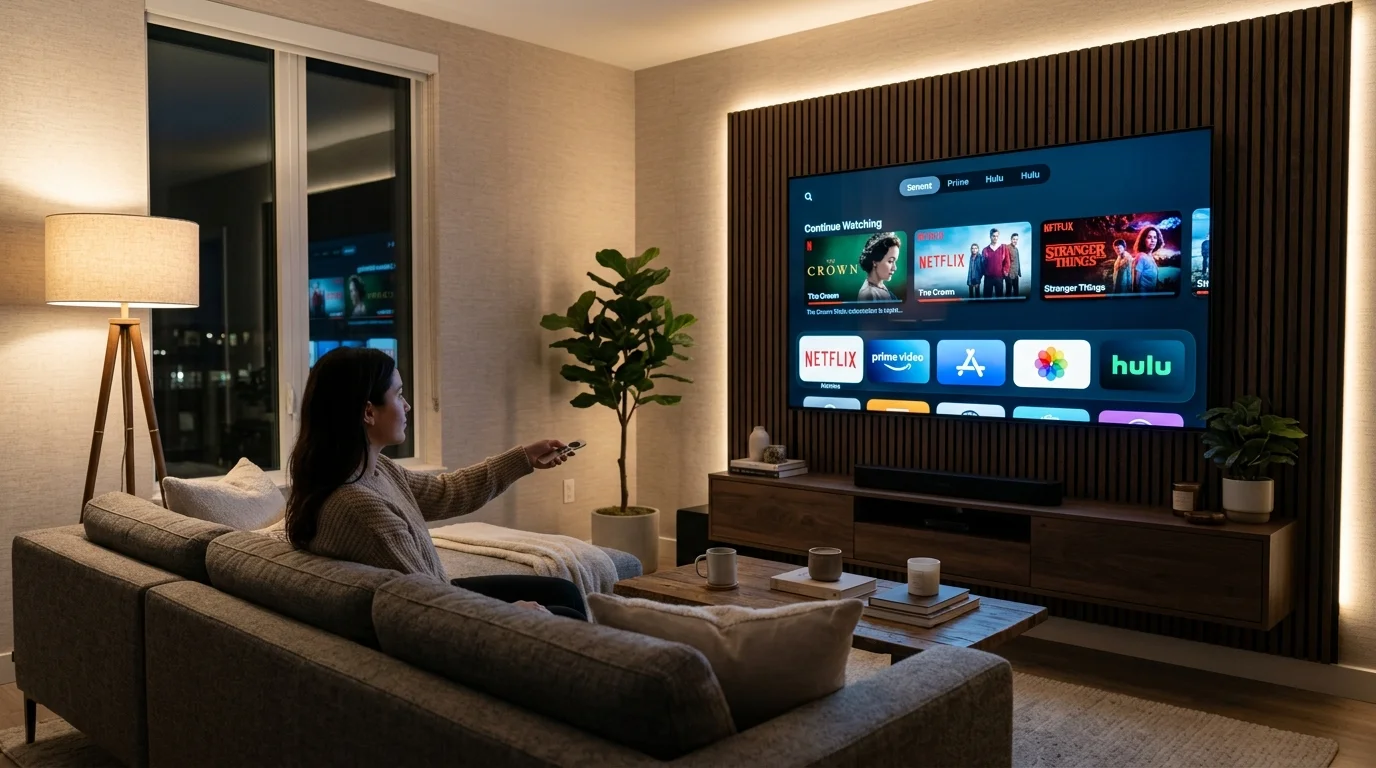
Discover the best IPTV apps for Kenoa TV: Smarters Pro vs TiviMate vs IBO Player. Securing a high-speed, anti-freeze IPTV subscription from Kenoa TV is only the first step toward television perfection. The second, equally crucial decision is choosing the right IPTV player application. Your app is your daily command center: it determines how rapidly your channels change, how cleanly your Electronic Program Guide (EPG) renders, and how comfortably your family navigates through 150,000+ live stations and 120,000+ movies on demand.
With dozens of applications crowding Google Play, Amazon Appstore, and Smart TV content hubs, three clear leaders dominate the 2026 streaming ecosystem: TiviMate 4K, IPTV Smarters Pro, and IBO Player. In this comprehensive hands-on evaluation, our engineering team puts each player through rigorous testing with Kenoa TV servers to determine which software suits your setup best.
1. TiviMate IPTV Player — The Undisputed King of Android TV & Firestick
If you stream primarily on an Amazon Fire TV Stick, Android TV, Google TV, or Nvidia Shield Pro, TiviMate remains the absolute gold standard in television user interface design.
Key Strengths:
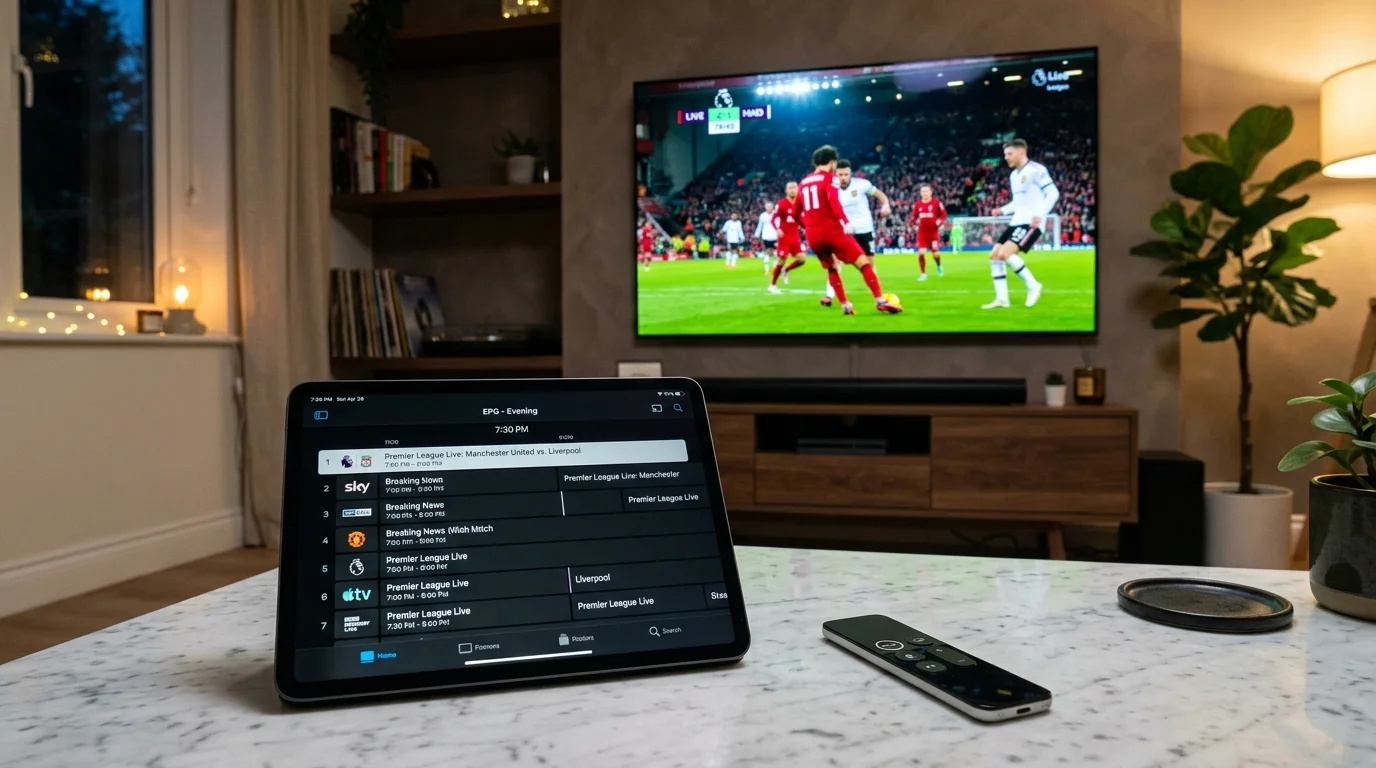
- Broadcast-Grade TV Guide (EPG): TiviMate replicates the slick aesthetic of high-end satellite receivers like Sky Q or TiVo. You can view full horizontal timeline grids, preview current broadcasts in a picture-in-picture window while browsing, and group favorite channels effortlessly.
- Lightning Channel Zapping: Paired with Kenoa TV anti-freeze edge servers, TiviMate switches full 4K and 1080p channels in under 300 milliseconds.
- Multi-View Capability: Watch up to 4 or 9 sports channels on a single split-screen simultaneously (ideal for our multi-screen plans during busy Champions League match nights).
- Full Xtream Codes & M3U Compatibility: Direct automated synchronization of channel categories and catch-up TV.
Verdict on TiviMate:
Rated 9.8 / 10. If your hardware runs Android OS or FireOS, TiviMate delivers an unbeatable cinema-lounge experience.
2. IPTV Smarters Pro — The Versatile Multi-Platform Champion
IPTV Smarters Pro is without question the most famous IPTV player in the world, with tens of millions of active users worldwide. Its biggest advantage is ubiquitous cross-platform availability.
Key Strengths:
- Available on Virtually Every Screen: Whether you want to watch on Windows 11, Apple Mac, iPhone, iPad, Android, Samsung Smart TV, or LG webOS, IPTV Smarters has a tailored build for your operating system.
- Distinct Category Separation: The main home screen divides content into three large, intuitive tiles: Live TV, Movies, and Series, making it extremely easy for children and elderly family members to navigate without getting lost.
- Master Search Engine: Search across all 150,000+ channels and 120,000+ VOD films in one unified search bar.
- Integrated Parental Controls: Easily lock adult or sensitive international categories with a 4-digit PIN.
Verdict on IPTV Smarters Pro:
Rated 9.3 / 10. The best all-rounder for households with mixed devices (e.g., iPhone in pocket, LG TV in living room, Windows laptop on desk).
3. IBO Player — The Ultimate Solution for Samsung & LG Smart TVs
For millions of households who own modern Samsung (Tizen OS) or LG (webOS) televisions and do not want to purchase an external Firestick or streaming box, IBO Player has become the premier choice in 2026.
Key Strengths:
- Official TV Store Presence: Directly downloadable from the Samsung Smart Hub and LG Content Store without sideloading or enabling developer modes.
- Effortless Remote Cloud Activation: Simply launch the app, locate your Device MAC Address and Device Key on screen, and send it to our WhatsApp Support Team. We link your Kenoa TV playlist into your TV remotely within 60 seconds!
- Optimized 4K Native Codec: Takes full advantage of LG OLED and Samsung Neo QLED internal hardware decoders for buttery smooth 60fps playback without dropped frames.
Verdict on IBO Player:
Rated 9.1 / 10. The premier direct app for smart TV owners who demand a clean setup without extra remotes or HDMI dongles.
Head-to-Head Feature Comparison Table
| Feature | TiviMate 4K | IPTV Smarters Pro | IBO Player |
|---|---|---|---|
| Best Hardware | Firestick, Android TV | All Devices & PC/Mac | Samsung & LG TVs |
| EPG Interface | ★★★★★ (Industry Best) | ★★★★☆ (Clean & Simple) | ★★★★☆ (Fast Timeline) |
| Multi-Screen Split | Yes (Up to 9 screens) | Yes (Up to 4 screens) | No |
| Catch-up / Replay | 7 Days | 7 Days | 7 Days |
| Setup Ease | 2 Minutes | 2 Minutes | 1 Minute (MAC scan) |
Which App Should You Choose?
The decision boils down to the hardware currently attached to your living room display:
- Pick TiviMate if you have an Amazon Fire TV Stick, Google Chromecast with Google TV, or Android TV Box. You will not find a smoother or more luxurious TV interface anywhere.
- Pick IBO Player if you have a Samsung or LG television and prefer using your television's original remote control.
- Pick IPTV Smarters Pro if you want a reliable, free-to-use cross-platform app for iPhone, iPad, Apple TV, Android phone, or computer.
Whichever application you prefer, Kenoa TV supports all of them natively via both Xtream Codes API and M3U links. Check out our detailed Installation Walkthrough for step-by-step screenshots!
Ready to Power Your Player with Kenoa TV?
Get your instant credentials in less than 2 minutes and unlock 150,000+ 4K channels today.
View Discounted Subscription Plans