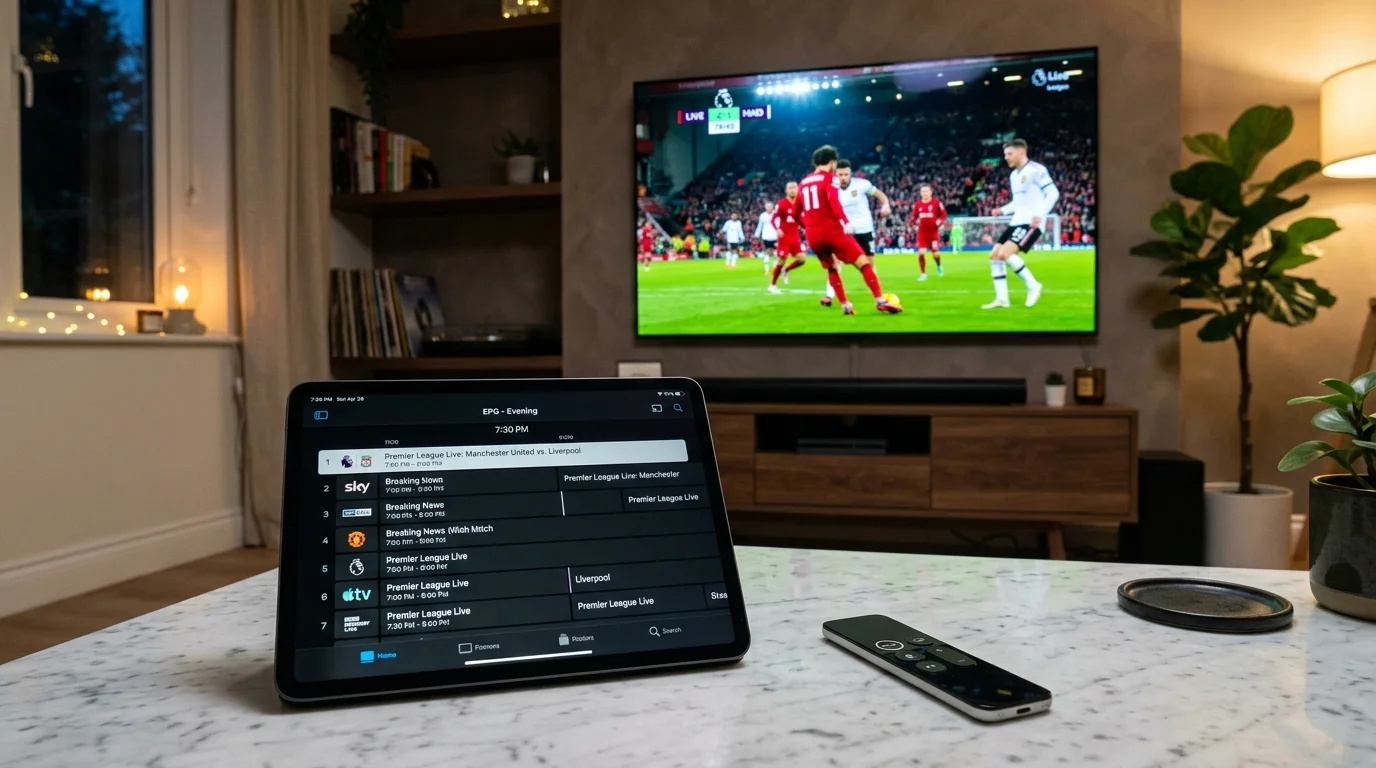
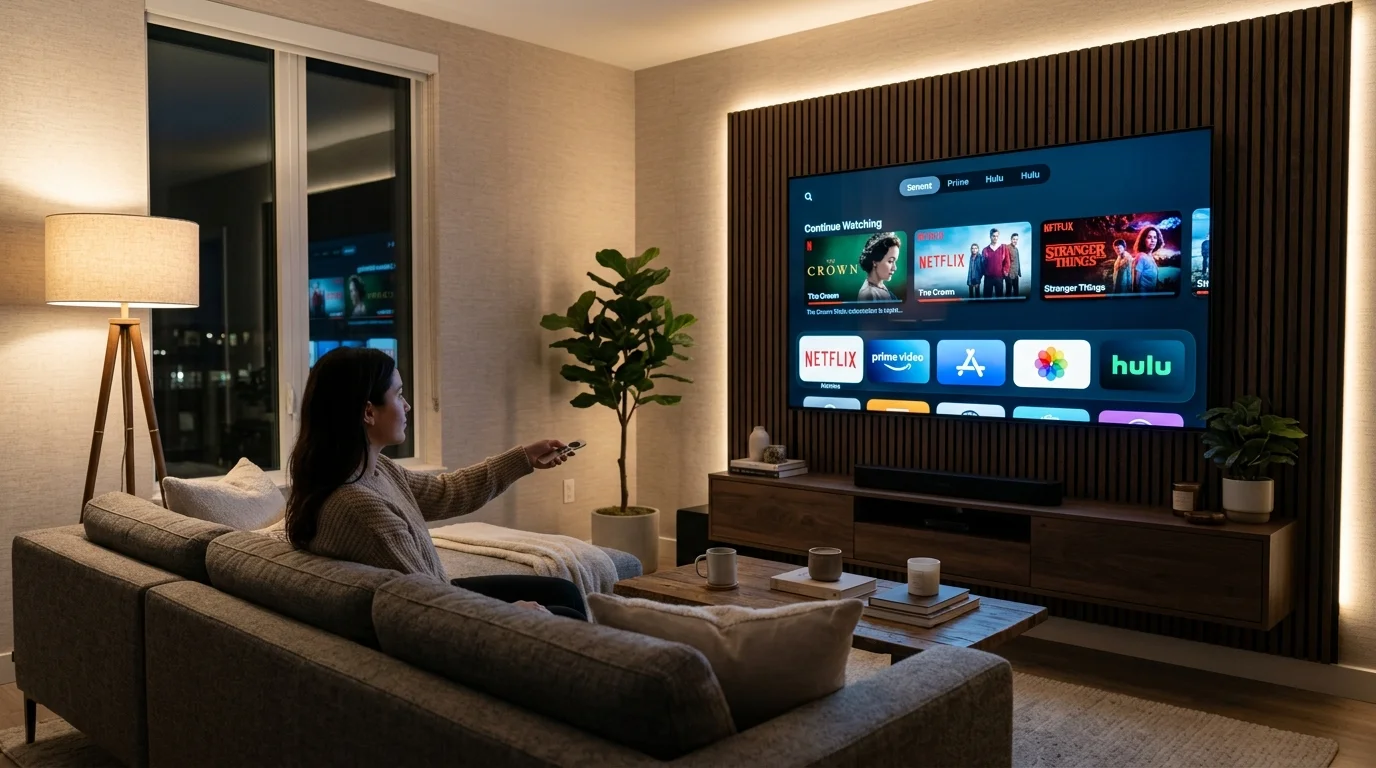
Discover what is Kenoa TV and how does modern IPTV work. The landscape of home television has transformed fundamentally over the past five years. Rigid coaxial cables, unsightly satellite rooftop dishes, and expensive 24-month telecom contracts are rapidly becoming obsolete relics of the past. Today, intelligent viewers are powering their entertainment through Kenoa TV, the cutting-edge Internet Protocol Television (IPTV) platform delivering crystal-clear 4K streams straight to any smart device.
Whether you are a casual evening viewer seeking international channels, a film buff looking for the latest 4K cinema releases, or a die-hard sports fan who cannot afford a single frozen frame during a Premier League derby or Formula 1 Grand Prix, this complete guide breaks down exactly what Kenoa TV is, how IPTV works under the hood, and how you can switch in less than 2 minutes.
What is IPTV? The Underlying Technology Explained
IPTV stands for Internet Protocol Television. Unlike conventional television methods—which transmit audiovisual signals via radio waves through the air (terrestrial), coaxial copper cables underground, or satellite transponders in orbit—IPTV transmits programming entirely through your existing high-speed broadband internet connection using standard Internet Protocol (IP) data packets.
When you watch traditional cable, every single channel is pushed through the wire simultaneously into your living room set-top box. This archaic design limits bandwidth and caps picture quality. With Kenoa TV, only the specific channel or on-demand movie you choose to watch is streamed directly to your screen from our dedicated high-speed cloud edge servers. The moment you zap to a different station, the stream switches instantaneously in fractions of a second.
"Traditional cable forces you to pay hundreds of euros for channels you never watch. Kenoa TV reverses the model: giving you instant on-demand access to 150,000+ global channels and 120,000+ movies in 4K at a fraction of the cost."
The Three Pillars of Kenoa TV Service
When you subscribe to Kenoa TV, you unlock three distinct categories of digital television content:
- Live Television (Live TV): Real-time broadcasts of over 150,000 live channels covering sports, breaking news, entertainment, children's programming, and lifestyle from the UK, USA, Netherlands, France, Germany, Spain, Italy, the Arab world, and over 80 international regions.
- Video on Demand (VOD): A vast cinema library featuring more than 120,000 on-demand movies, updated continuously with latest theatrical releases, multi-language audio tracks, and synchronized subtitles.
- Time-Shifted TV & Catch-up (EPG): Access to an interactive Electronic Program Guide that enables you to view upcoming TV schedules and rewind missed shows up to 7 days in the past.
M3U Playlists vs Xtream Codes API: What's the Difference?
When your account is activated at Kenoa TV, our automated system provides you with two convenient authentication methods:
1. The M3U Playlist Link
An M3U URL is a specialized text-based playlist index file containing the structured direct web addresses of your subscribed television channels. Many lightweight media players (such as VLC Player on desktop computers or Smart IPTV on older TVs) simply download this link once to populate your channel tree.
2. Xtream Codes API (Recommended)
For modern smart TV applications like TiviMate 4K, IPTV Smarters Pro, or IBO Player, the Xtream Codes API method is vastly superior. It consists of three clean fields:
- Server URL: (e.g.,
http://server.kenoa-tv.shop:8080) - Username: (Your unique generated subscriber ID)
- Password: (Your secure authentication token)
The Xtream Codes API protocol downloads live channel lists, real-time EPG schedules, movie posters, episode summaries, and multi-language subtitle tracks automatically, providing an experience identical to a premium streaming app like Netflix or Disney+.
Why Kenoa TV is the Industry Leader in 2026
Not all IPTV services are created equal. Many low-budget providers overload cheap shared virtual servers, causing severe buffering and pixelated screens whenever major sporting events take place. Kenoa TV was engineered from the ground up to solve these frustrations:
- Dedicated Anti-Freeze Server Clusters: Our load-balanced European server infrastructure automatically scales bandwidth during peak events such as the UEFA Champions League finals or El Clásico.
- True 4K Ultra HD & 60 FPS Streams: Experience fluid high-frame-rate sports without motion jitter or blurry motion blur.
- No Binding Contracts: All subscriptions at Kenoa TV Pricing are 100% prepaid with zero auto-renewals or unexpected fees.
- Instant 24/7 Activation: Credentials are sent to your email and WhatsApp in 1 to 5 minutes post-purchase.
- Human VIP WhatsApp Helpdesk: Our technical team is always accessible via WhatsApp Support to assist with any installation questions.
How to Get Started in Under 3 Minutes
Setting up Kenoa TV requires no special technical knowledge. Simply follow these three straightforward steps:
- Pick Your Subscription: Visit our Packages & Prices page and select your desired plan (3, 6, or 12 months, single or multi-screen).
- Receive Your Login: Within minutes, you receive your M3U link and Xtream Codes API details via WhatsApp and email.
- Install on Your Device: Follow our comprehensive Installation Guide for your Firestick, Smart TV, Android Box, or Apple device, enter your credentials, and start streaming!
Ready to Experience Kenoa TV?
Join thousands of satisfied households and lock in our limited 50% discount today with 7-day money-back guarantee.
Explore All Subscription Packages